Connecting Israel
to Fiber Optics
with Bezeq
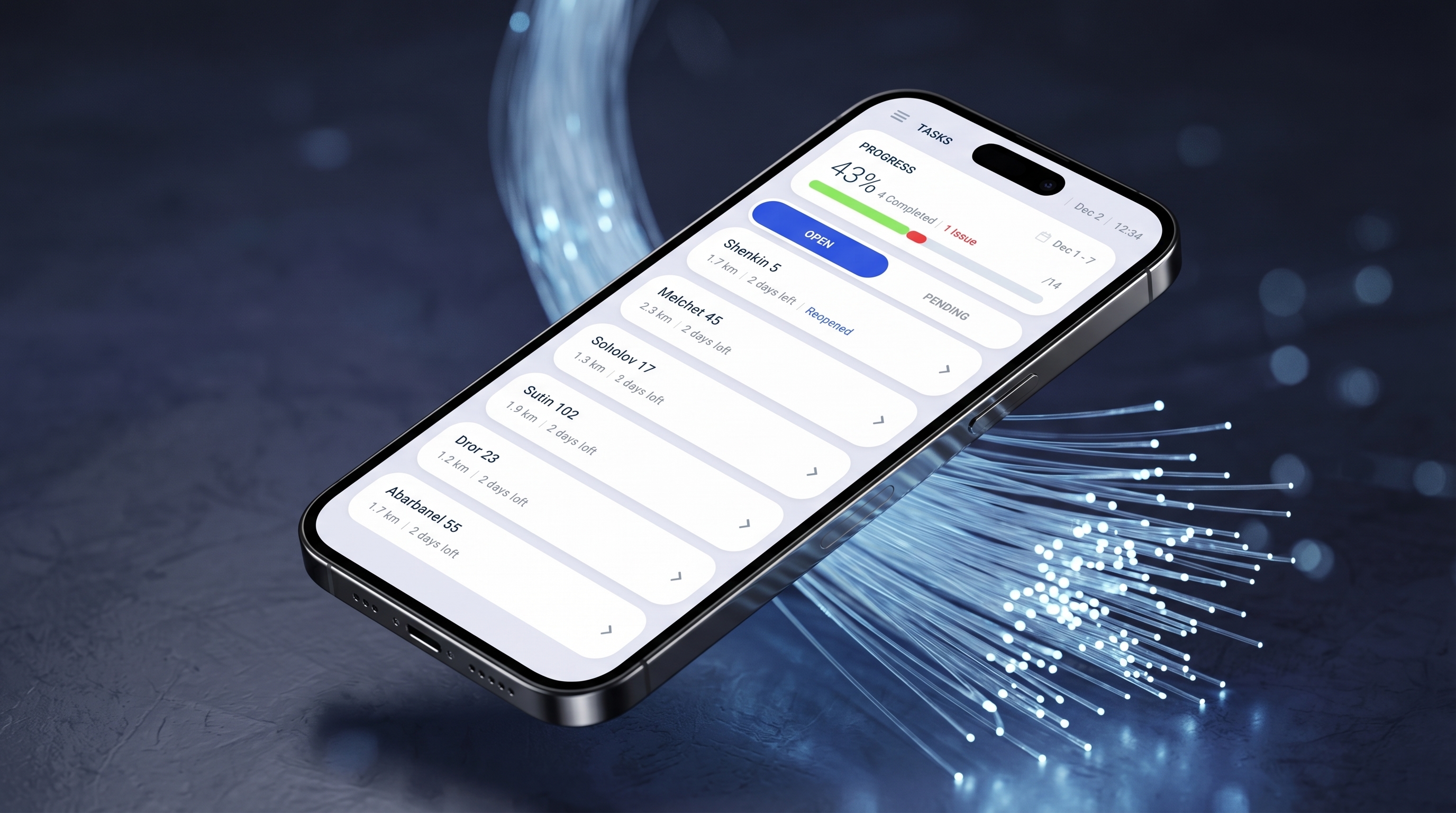
Bezeq reached me to digitize their workflow with a dedicated working tool tailored to their workflow and needs.
 Bezeq
BezeqBezeq's fiber operation
Bezeq is Israel's leading telecommunications company. When fiber optics started rolling out across Israel, they needed a way to execute and manage the installation processes.
Outdated methods
Before I came in, Bezeq's workflow consisted of excel sheets, phone calls, and Whatsapp and unconventional forms. There are no ways to evaluate progression, track recent issues, or manage your work easily.
What they want
A centralized app and daily working tool for their teams, built to streamline the company's massive fiber-optic installation process across Israel.
Technician installation process
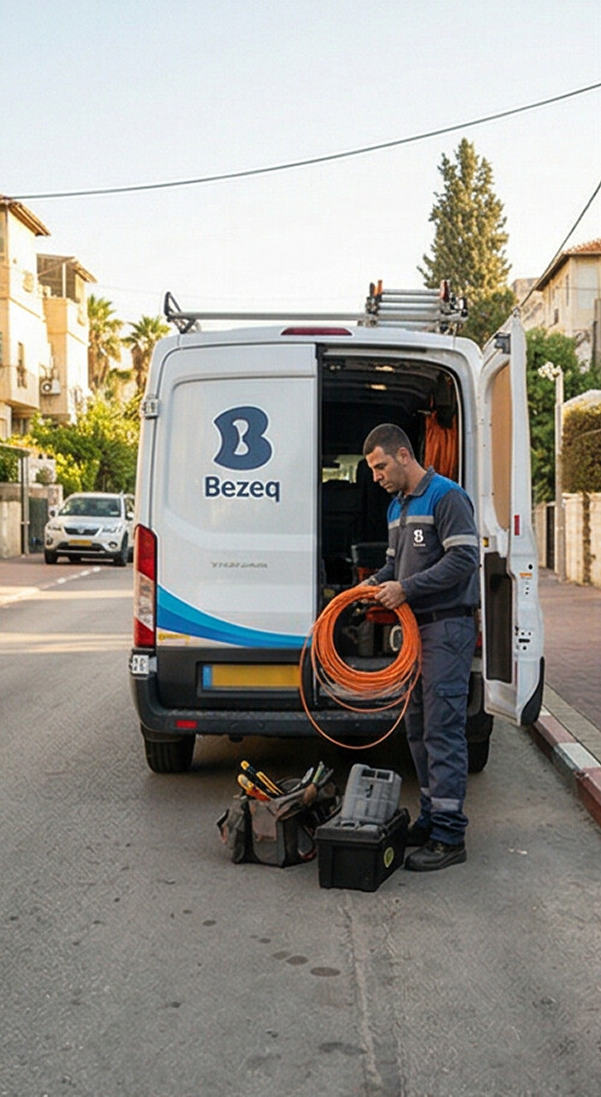
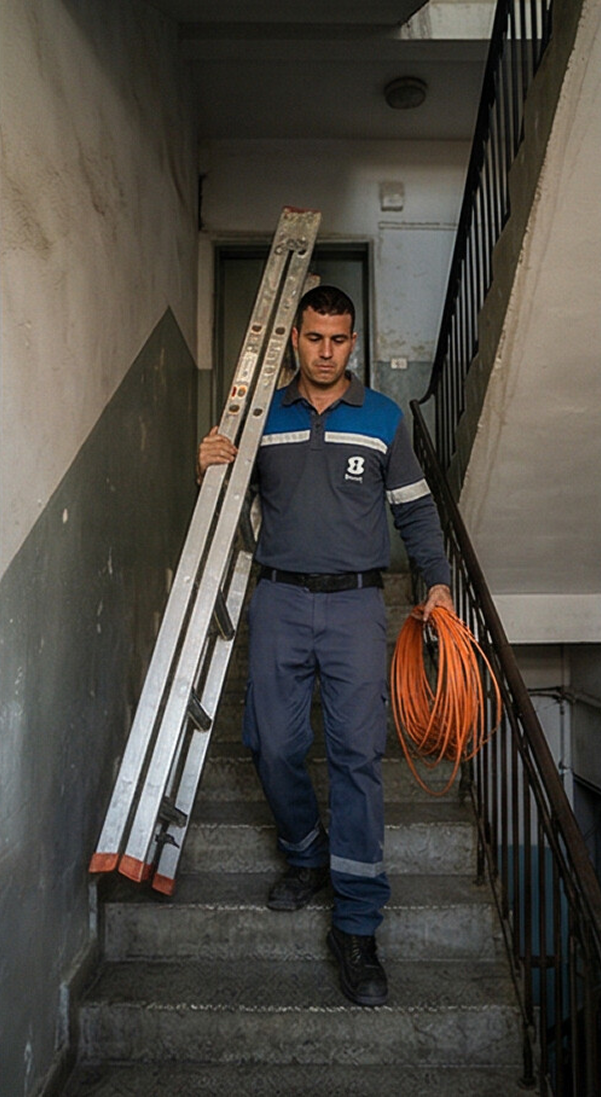
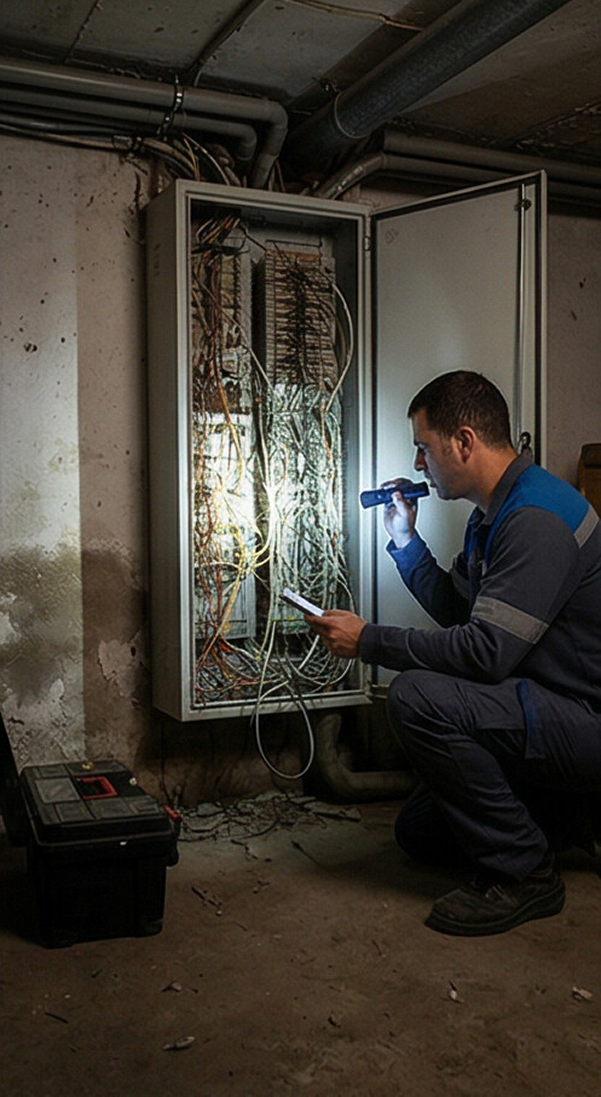

* AI generated
The employees
Each city has a manager who oversees a few supervisors. Each supervisor takes a part of the city and a team of technicians operating the installations in that area. Together, they aim to have a successful, stressless and easy installation process.
Installing Reporting
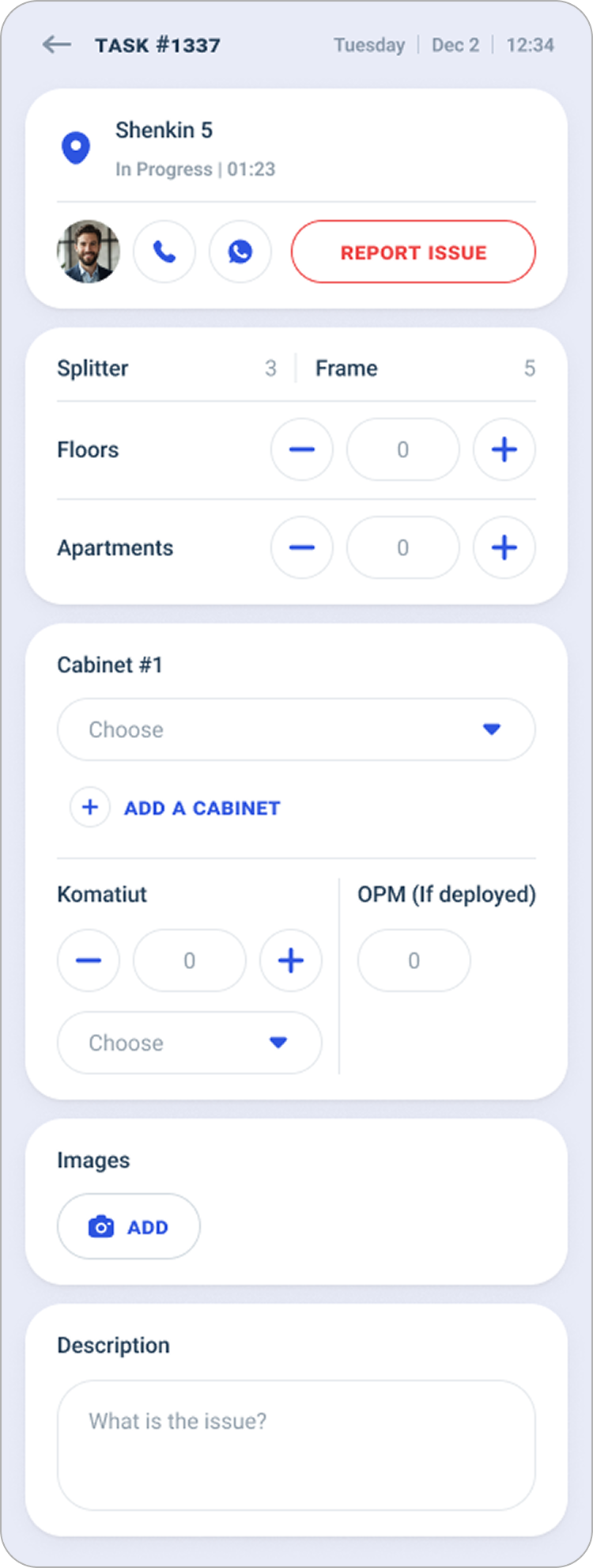
- A clear list of jobs for the day
- Fill out installation forms
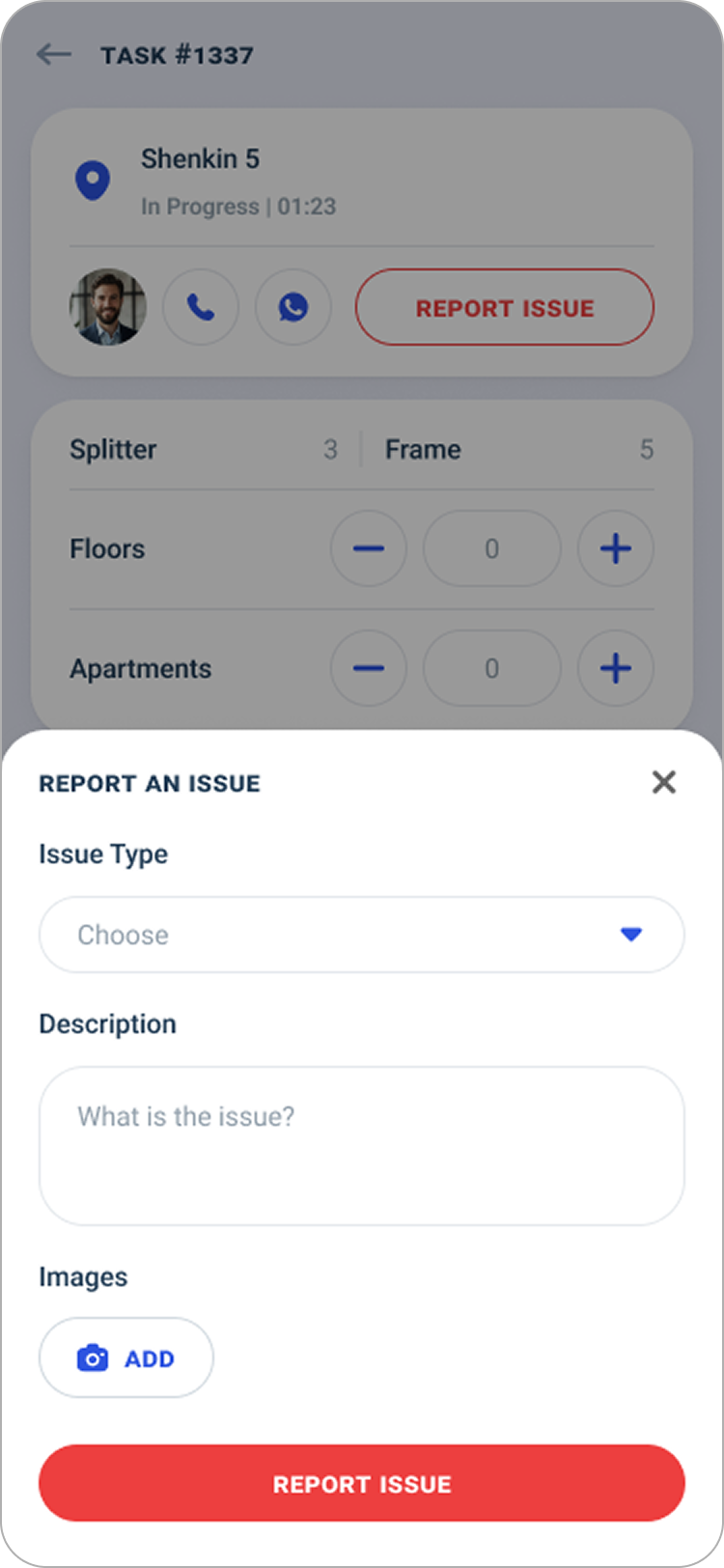
- Report issues
Assigning technicians Resolving issues
- Assign tasks to technicians
- Resolve reported issues
- Ensure tasks are completed on time
Ensures objectives met
- Managing employees and salaries
- Report to HQ
Tel Aviv-Yafo
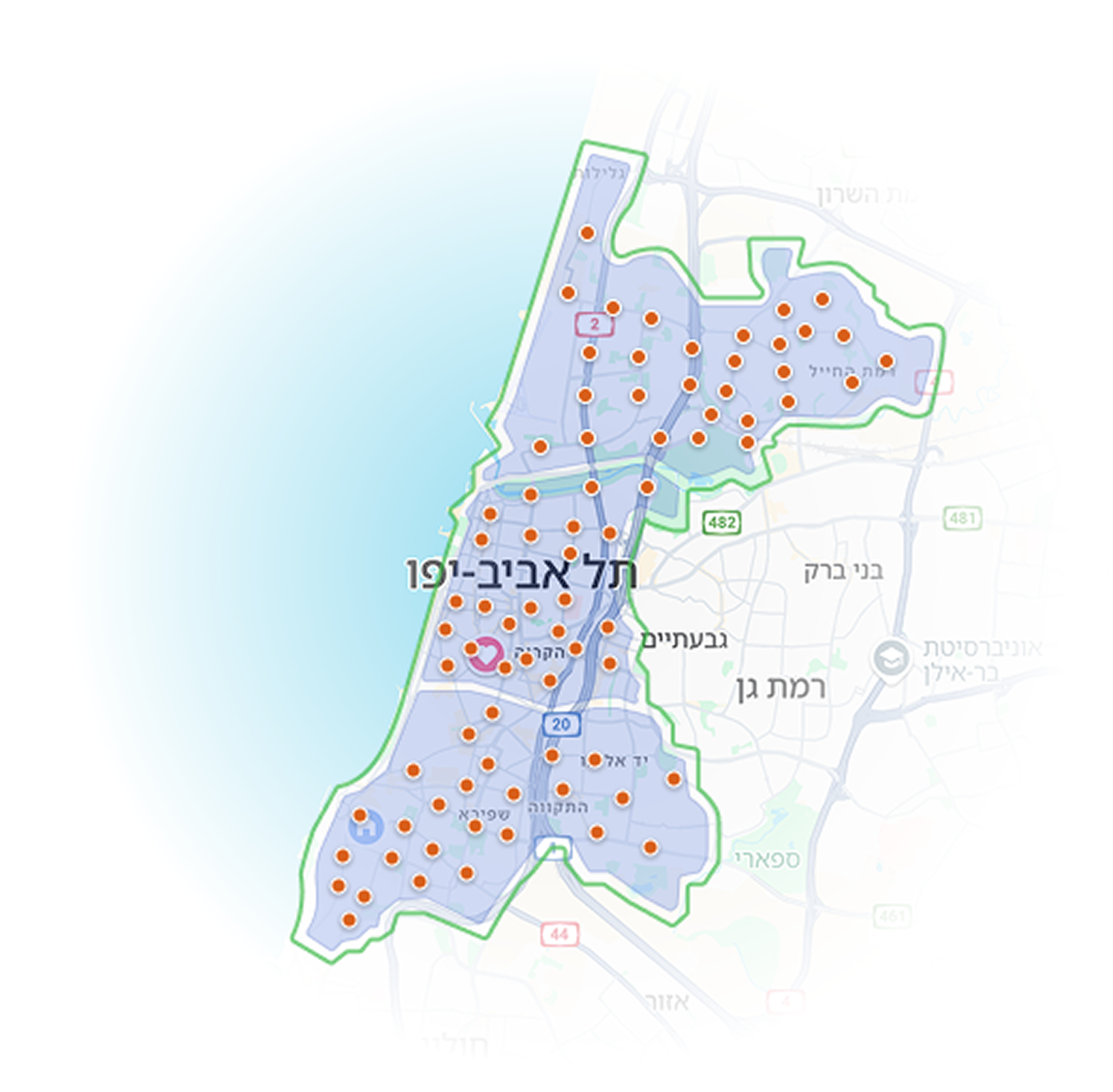
For this project, I worked with key employees of Tel-Aviv fiber department. Consists of 1 manager, 3 supervisors, and 72 technicians.
Process of task
Some parts of the brief Bezeq gave me were unclear or confusing and I needed to understand more. I conducted interviews with 3 experienced employees: a technician, a supervisor (was technician), and a manager.
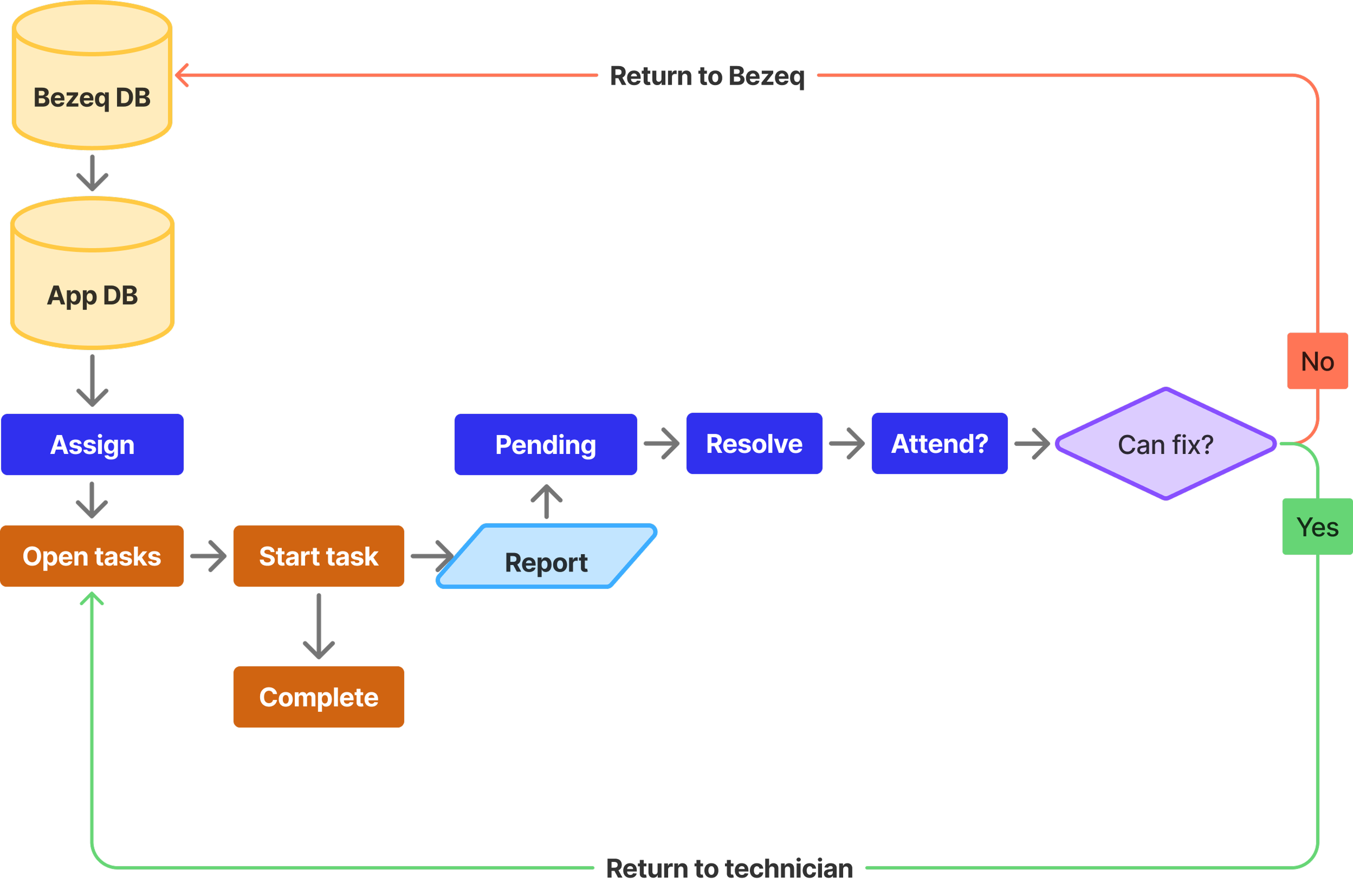
The flow for the app comes down to this:
Going beyond the brief
Bezeq settled with the MVP...
But I saw bigger potential.
During the research, I uncovered some key opportunities that can lift the app beyond the simplicity of an MVP.
Technicians
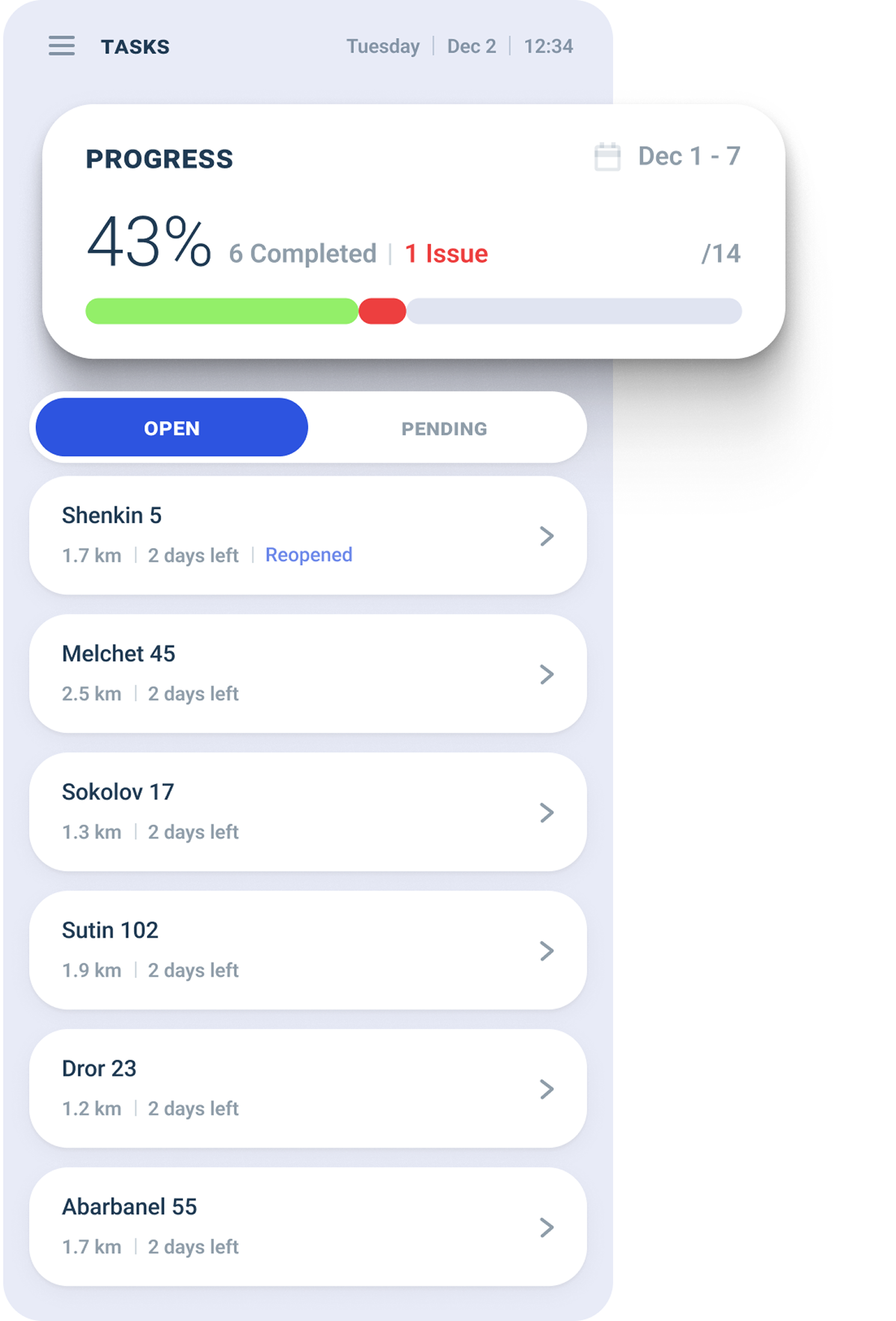
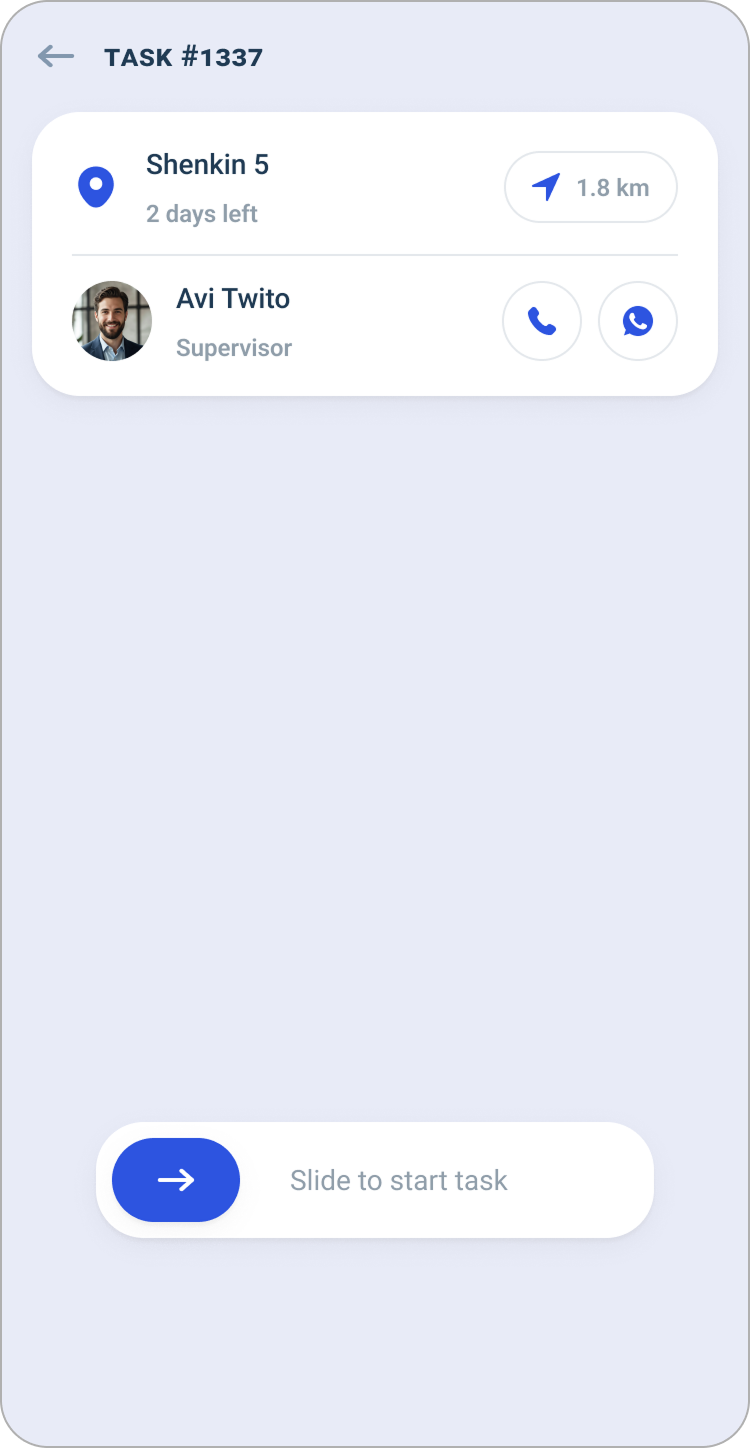
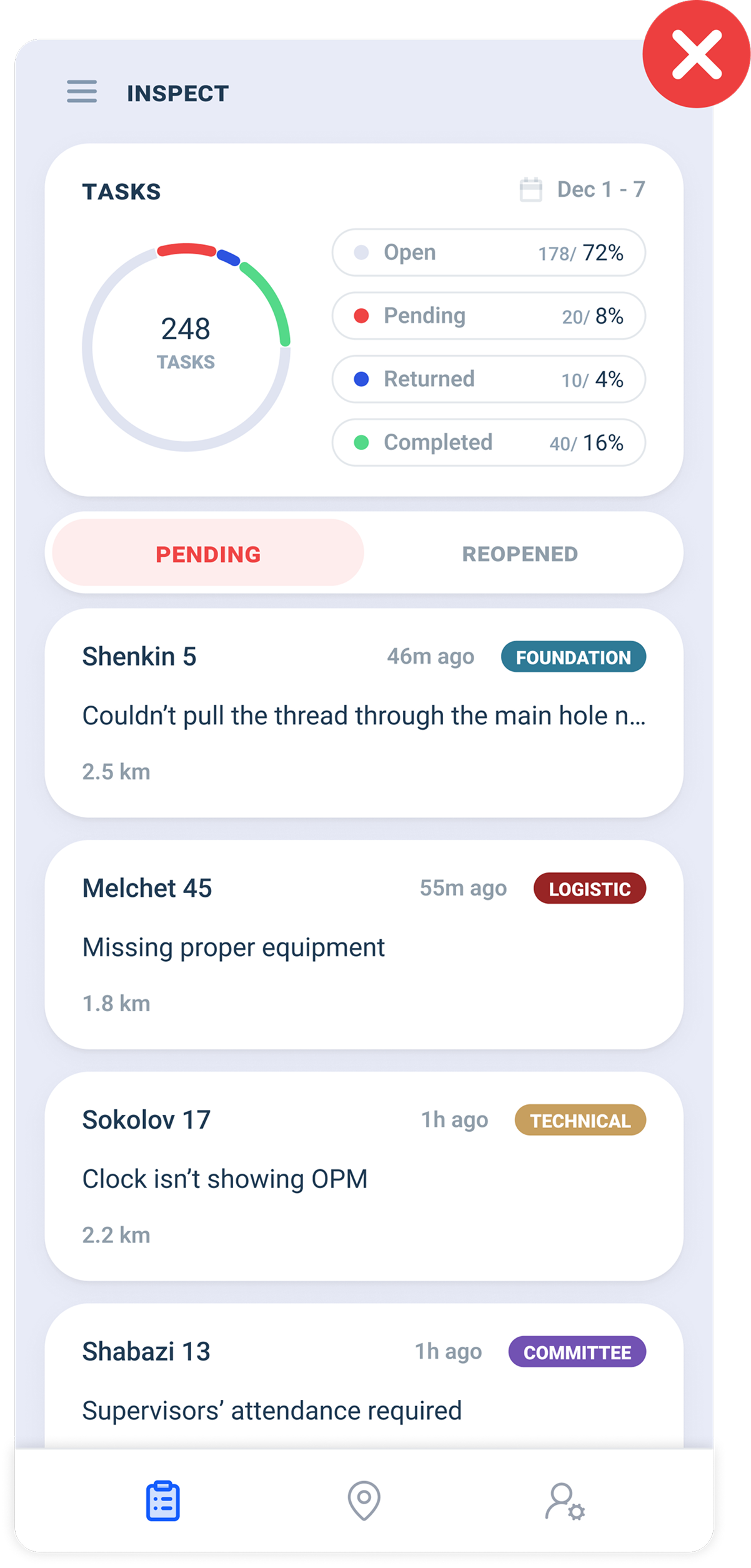
1. OPEN TASKSSense of progression
Technicians had no visual way to see what they had actually achieved. I added a progress card to encourage them, and help them assess where they are at the current week.
"Reopened" tab is redundant
Can be merged with Open Tasks as label.
Supervisors
The MVP
The essentials of task statuses along with pending issues list, that was it. I asked myself: How could I improve this app from a basic MVP, to a system that we can learn from? The supervisors need evaluation methods, and data to determine success or flaws.
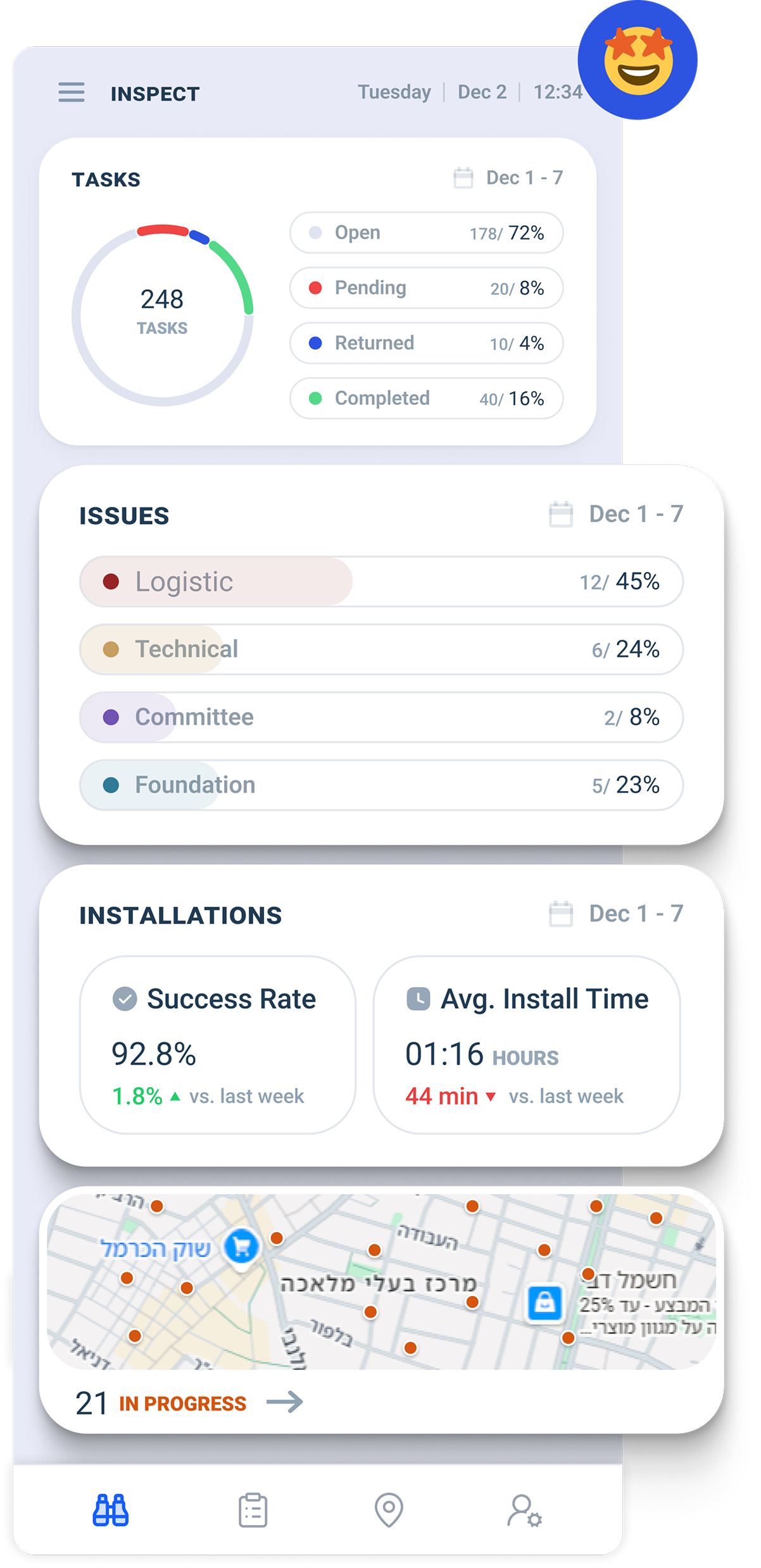
A professional dashboard
I decided to add more value to the supervisor and address KPI's that help to evaluate efficiency or determine success by creating a new main tab that serves as a dashboard, separating it from the issue list.
Since the technician starts/ends tasks, we can extract installation times, and same for success rates.
Vague resolve screen instructions
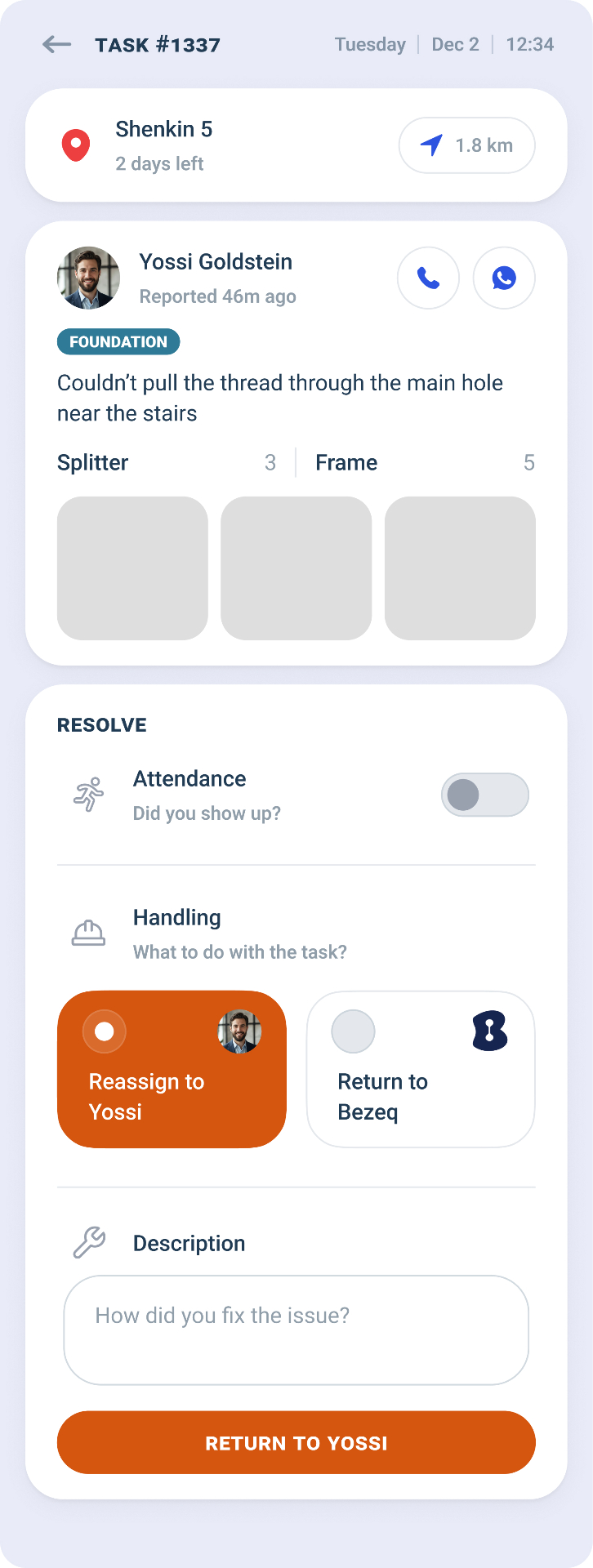
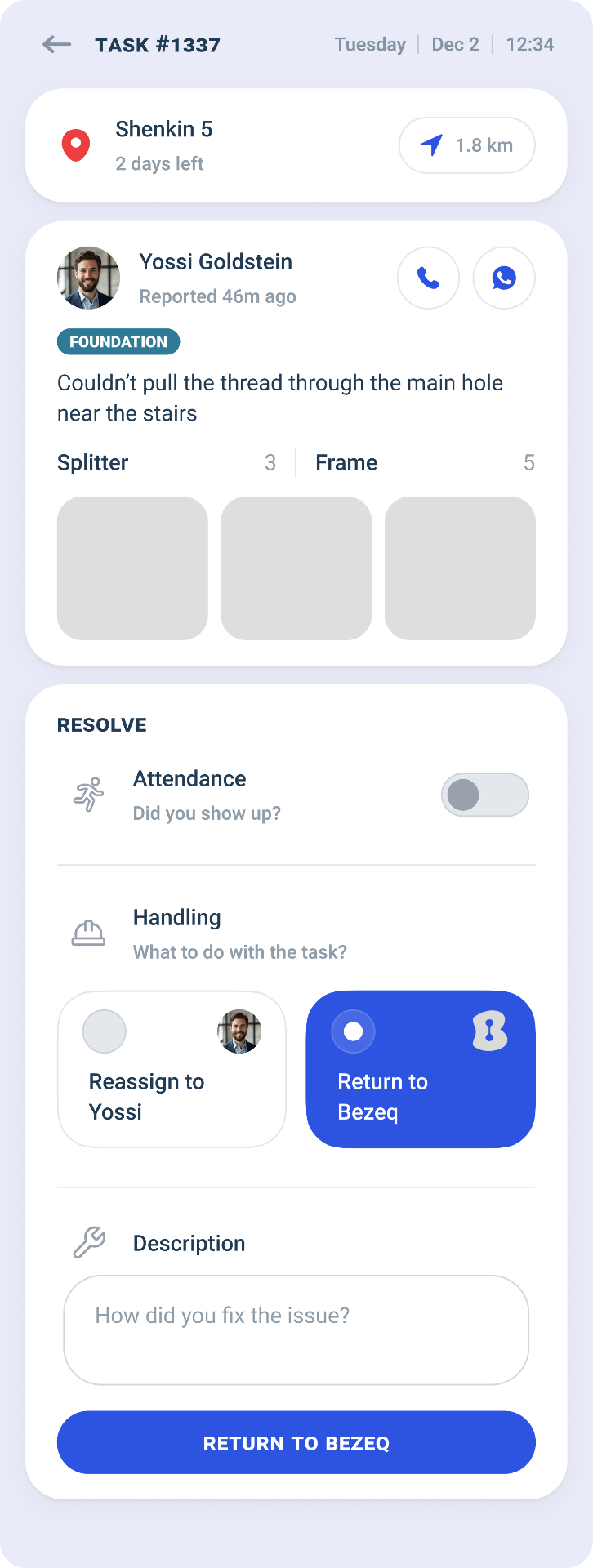
The brief Bezeq gave me about the resolve was vague. I digged into the workflow in different scenarios of which the supervisor resolves an issue. What seemed to be described as checkboxes options, the supervisor eventually either reassigns or return the task to Bezeq (single choice). They also wanted to know whether the supervisor had to attend the issue location upon resolving.
Ultimately, the resolve flow comes down to this:
Yes — Reassign to technician / No — Return to Bezeq
› Description
What Bezeq initially wanted
Checkboxes
- ✕Implies multiple selections — but the outcome is always one action
- ✕No clear flow — supervisor has to figure out the order
- ✕Easy to miss a step or submit incomplete data
What I designed instead
Guided step-by-step flow
- ✓Each step leads to exactly one outcome — no ambiguity
- ✓Logical sequence mirrors the real decision process
- ✓Reduces errors and ensures complete, structured data
Key Takeaways
User testing early in the process saves costly redesign cycles down the line. Quick validation keeps momentum and builds confidence in the direction.
Clients often default to existing workflows and general terminology that can cloud the real problem. It's the designer's responsibility to dig deep, uncover opportunities, and propose solutions that truly support the goal.